

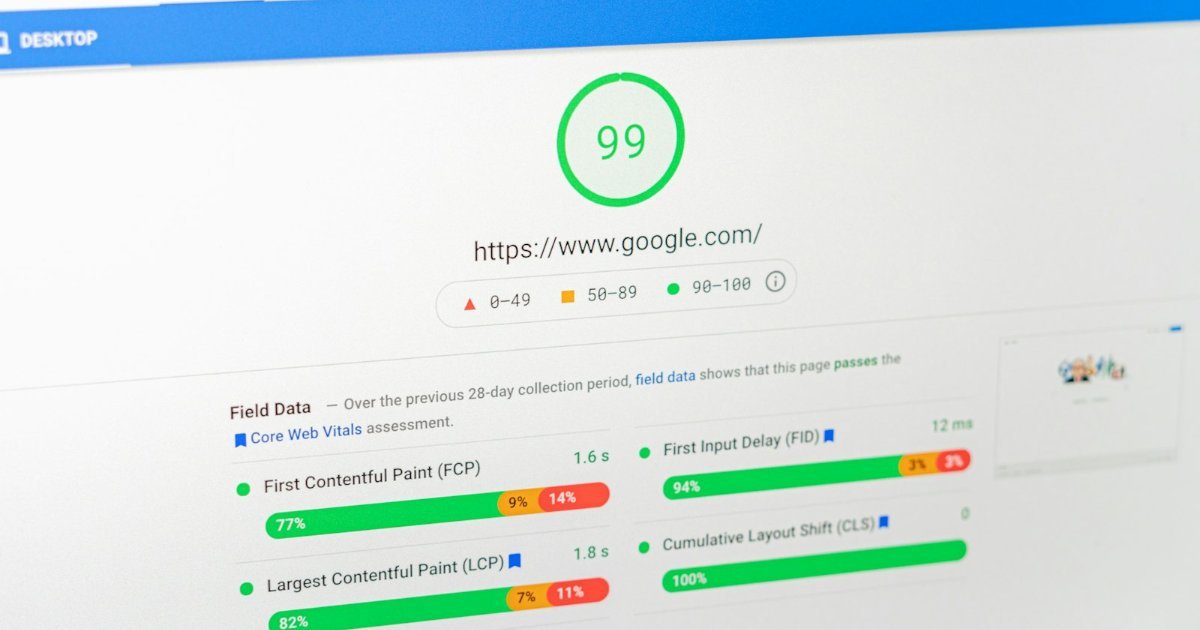
Have you ever opened a website on your phone and stared at a spinning logo before anything appeared? That is a preloader, and it is probably costing the site visitors. Scroll-reveal animations, where sections fade in as you scroll, can do the same thing. Both look great in a theme demo, but they delay the moment a visitor can actually read your content. In this post we will show you a real before-and-after test, 74 to 94 on mobile, and how to check your own site in about ten minutes.
A real test: 74 to 94 on mobile
startupindiatoday.com runs on a lightweight blog theme. On mobile it showed a dark loading screen with a spinner before the page appeared, and the first screen was mostly empty because the post cards were set to fade in on scroll. Its Google PageSpeed Insights result for mobile was 74 out of 100, and the largest element took 6.2 seconds to appear.
We switched off two settings in the theme’s Customizer: the preloader and the scroll-reveal animation. We also reduced an oversized header. The result:
| Measure (mobile) | Before | After |
|---|---|---|
| PageSpeed performance score | 74 | 94 |
| Largest Contentful Paint (LCP) | 6.2 s | 2.7 s |
| Total Blocking Time | 10 ms | 0 ms |
| Cumulative Layout Shift | 0 | 0 |
These figures come from a single Google PageSpeed Insights run before and after the change, so expect some variation if you repeat the test. The direction of the change was clear, though.
Why preloaders and animations slow things down
- They hide content. A preloader covers the page until scripts finish, so visitors wait even after the page is ready.
- They delay the largest element. Largest Contentful Paint measures when the biggest visible element appears. If an animation starts it at zero opacity, the browser cannot count it as visible yet.
- They add JavaScript and CSS. Animation libraries load extra files that compete with your content for bandwidth.
- They can cause empty first screens on phones. Elements that reveal “on scroll” may not appear until the visitor scrolls, which looks broken and confuses visitors.
The numbers Google cares about
Google’s Core Web Vitals have published thresholds for a “good” experience:
| Metric | What it measures | Good |
|---|---|---|
| Largest Contentful Paint (LCP) | When the main content appears | 2.5 seconds or less |
| Interaction to Next Paint (INP) | How quickly the page responds to taps and clicks | 200 milliseconds or less |
| Cumulative Layout Shift (CLS) | How much the layout jumps around | 0.1 or less |
How to check your own site
- Open PageSpeed Insights and test your homepage on the Mobile tab.
- Note the performance score and the LCP time.
- Open your theme’s Customizer and look for settings named things like “Preloader”, “Page loader”, “Scroll reveal”, “Animations” or “WOW animation”.
- Switch them off, save, and clear your cache.
- Test again two or three times and compare the average, because single runs vary.
A second site, a similar pattern
therecipeworld.com uses a different theme that also had a preloader and a scroll animation switched on. Turning them off was the first step in a longer clean-up. Its mobile score moved from 58 to the high 60s after those theme changes and basic minification, and then to 77 on the homepage and 87 on a recipe post after adding critical CSS through QUIC.cloud. Each step helped, but the preloader and animations were an easy first win that cost nothing.
What we cannot tell you
We turned off the preloader, the scroll animation and the oversized header at the same time, so we cannot say which change gave the biggest gain. If you want to know for your own site, change one setting at a time and test after each. We also only ran PageSpeed Insights a few times, so treat our 74 and 94 as one honest measurement, not a promise.
What we can say is what we saw with our own eyes: on a phone the old version showed a dark screen first, and the page felt slow before any score appeared. After the change it simply felt normal. That feeling matters as much as the number.
When animations are fine
You do not need to ban motion. Small hover effects and short transitions on buttons are harmless. The problems come from anything that hides above-the-fold content or waits for scripts before showing the page. Keep the first screen plain and fast, and save the decoration for below the fold.
Quick checklist
- Test mobile speed in PageSpeed Insights and note the score and LCP.
- Disable the preloader and any scroll-reveal or entrance animations.
- Make sure the first screen shows real content immediately.
- Clear caches and test again two or three times.
- Only keep animations that never hide the first screen.